FileRun Web

Like Google Drive, but on your own server. Sharing with roles, public links and file requests, versions, previews for everything, WebDAV, passkeys and a complete audit trail — in plain PHP and MySQL.

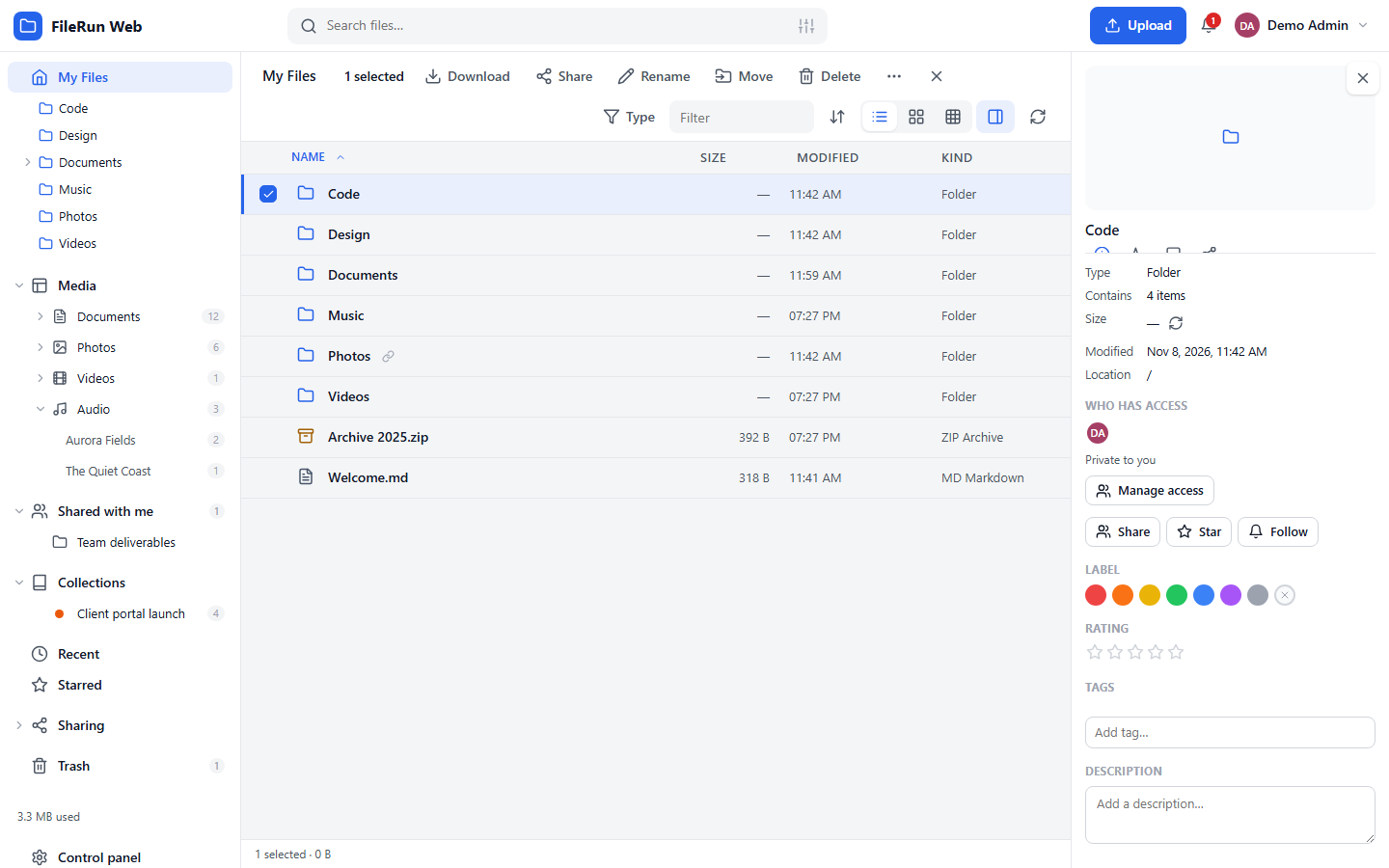
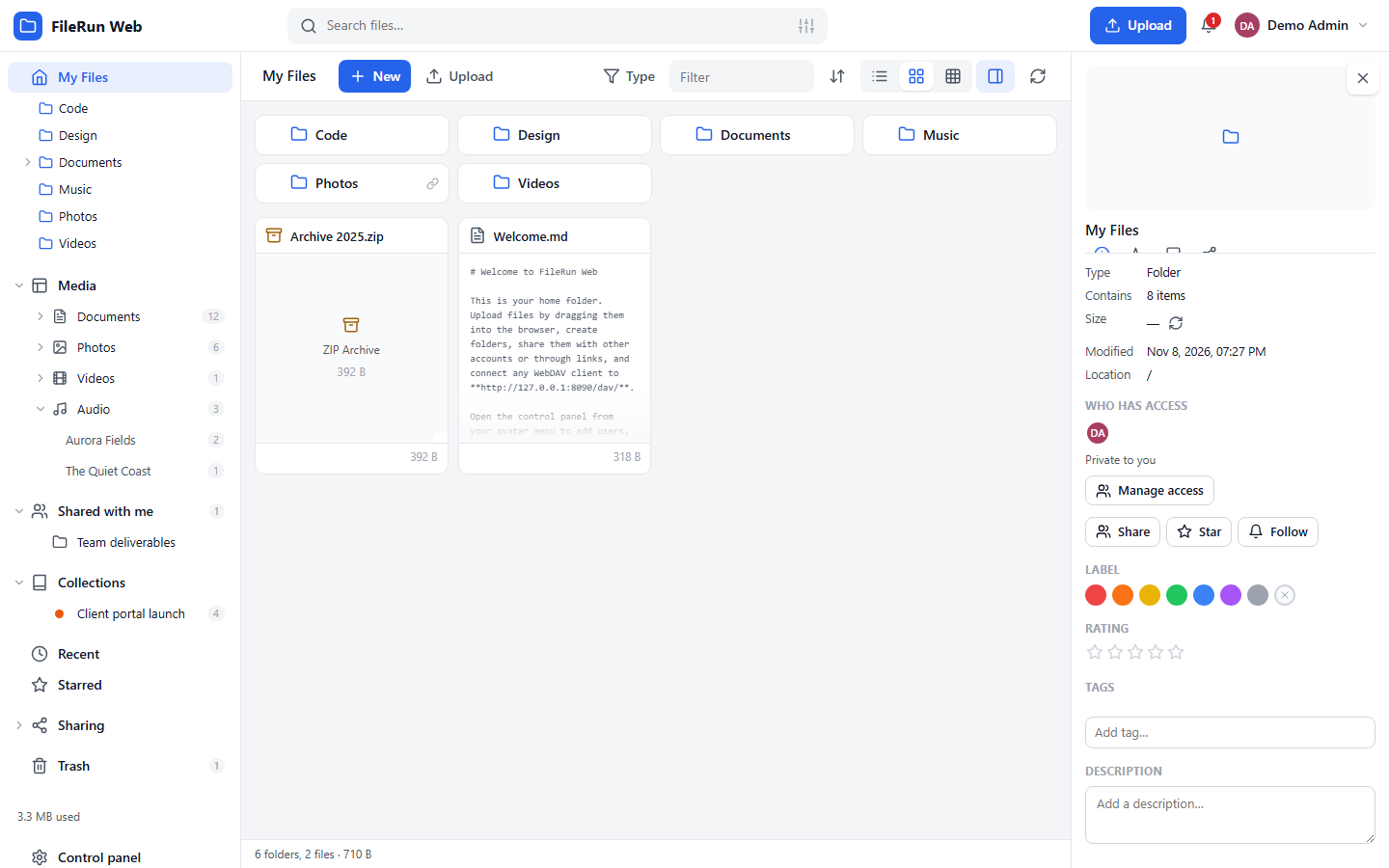
FileRun Web file browser

FileRun is a trademark of FileRun Lda. This is an independent re-implementation and is not affiliated with or endorsed by FileRun.

Everything your team does with files

Share with roles

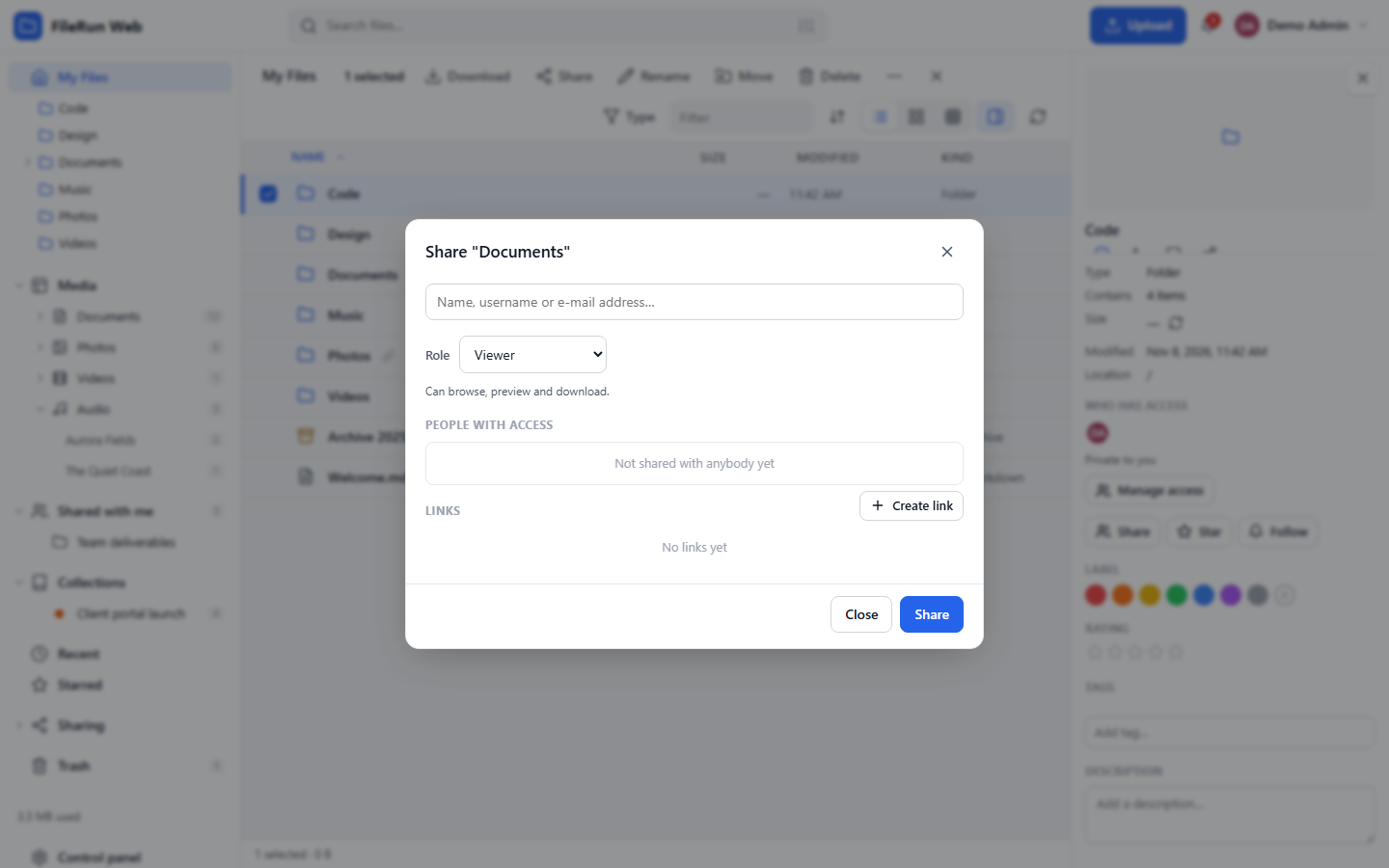
Seven roles from Viewer to Content manager, groups, guest accounts created from an e-mail address, "Shared with me" without copying anything.

Public links & file requests

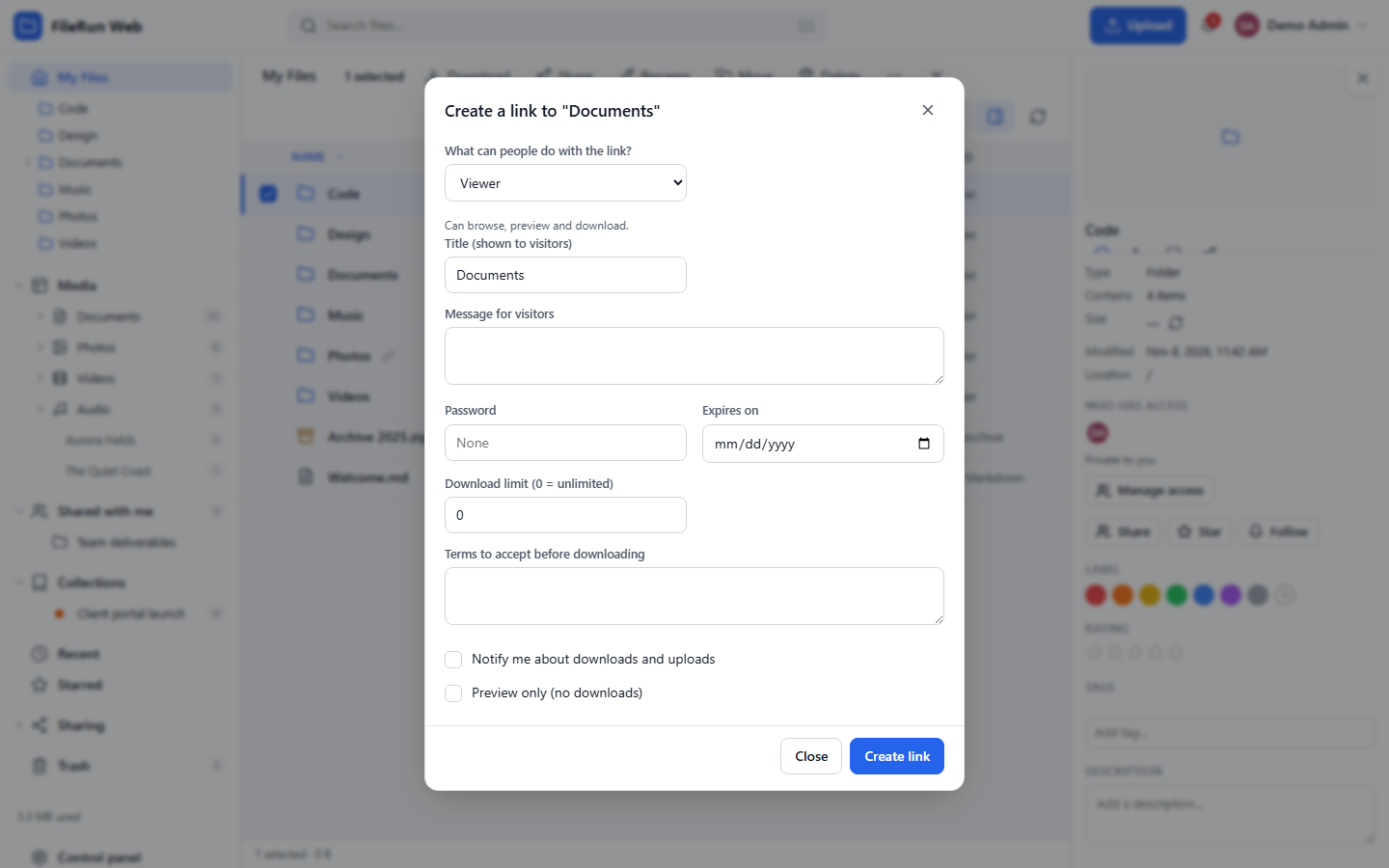
Passwords, expiry dates, download limits, terms to accept, upload-only links, QR codes, one switch to turn every link off.

Preview almost anything

Images, video, audio, PDF, Markdown, code, CSV/XLSX, DOCX, fonts, archives — plus a code editor and an image editor.

Nothing gets lost

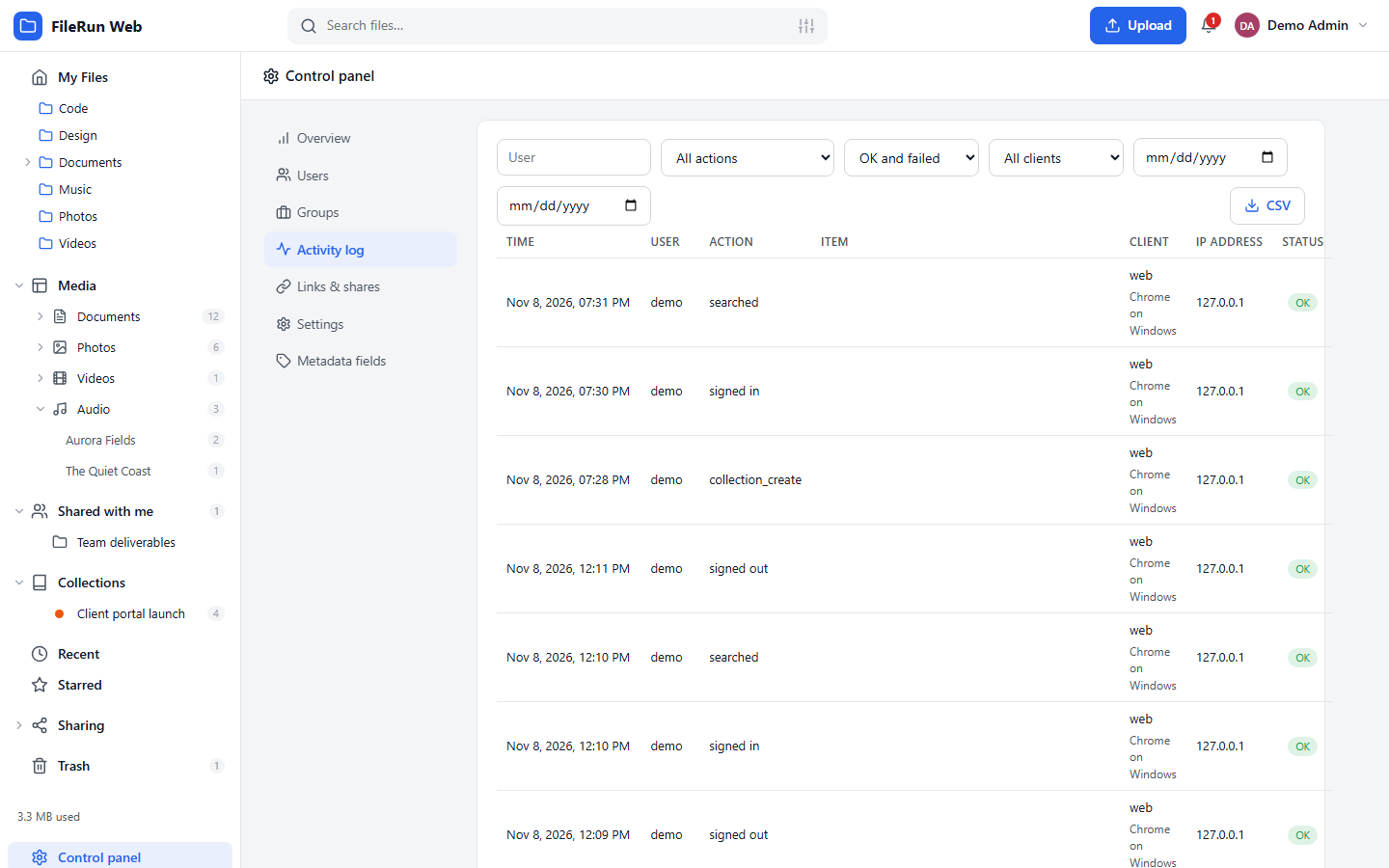
Versions on every overwrite, a trash with retention, file locks, and an activity log that remembers who did what, from where, with which program.

Uploads without limits

Resumable chunked uploads, folder drops, clipboard paste, folder sync that skips unchanged files.

Reach it from anywhere

WebDAV with per-device app passwords, a JSON API with an OpenAPI description, an installable web app for phones.

Secure by default

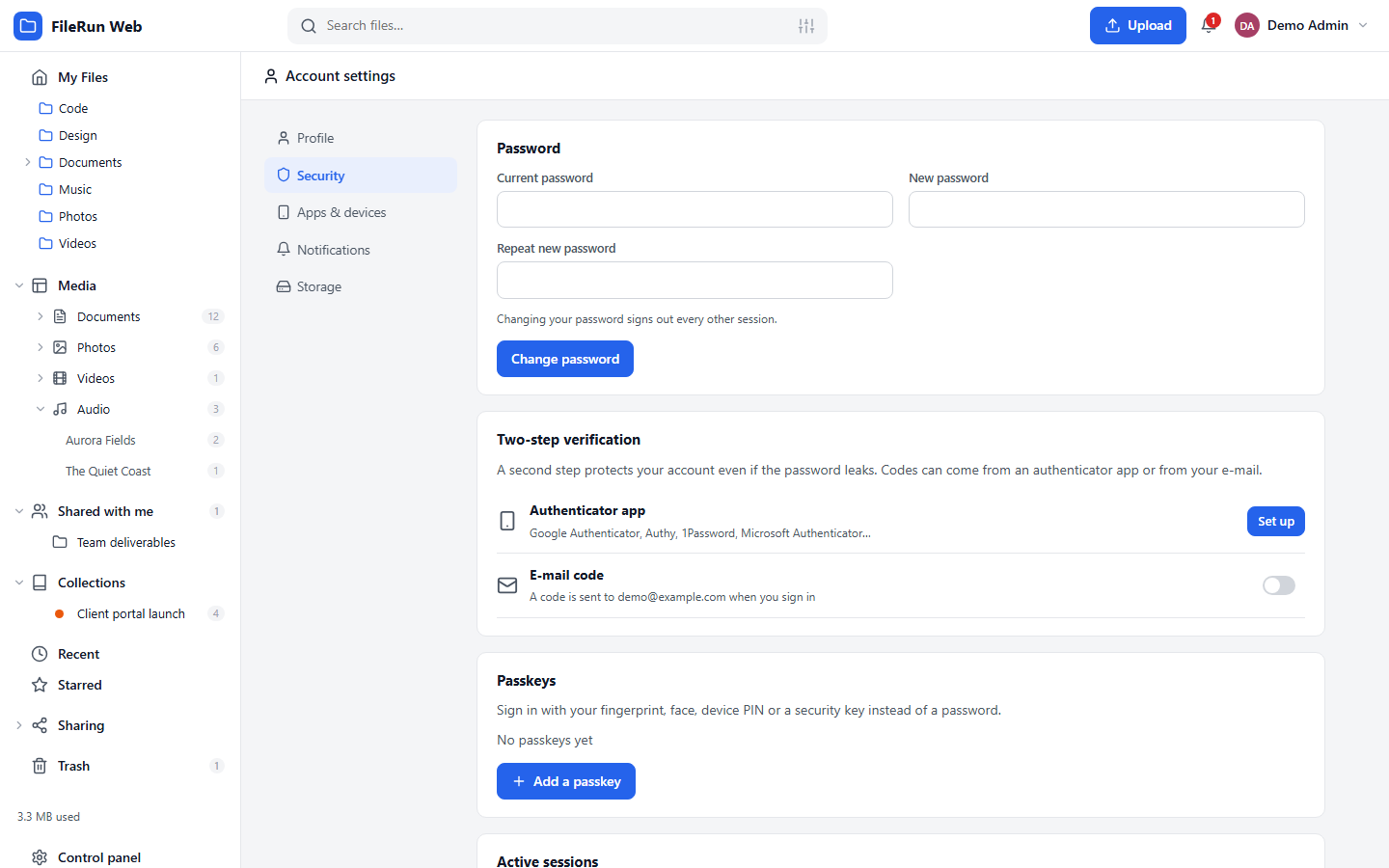
Argon2id, two-step verification with e-mailed codes on by default, authenticator apps, passkeys, OpenID Connect, IP rules, session control.

Runs anywhere PHP runs

Shared hosting, cPanel, a VPS or a NAS. Apache or Nginx, MySQL or MariaDB. No framework, no build step, no vendor lock-in: files stay normal files.
Screenshots

Grid view
Grid view with thumbnails
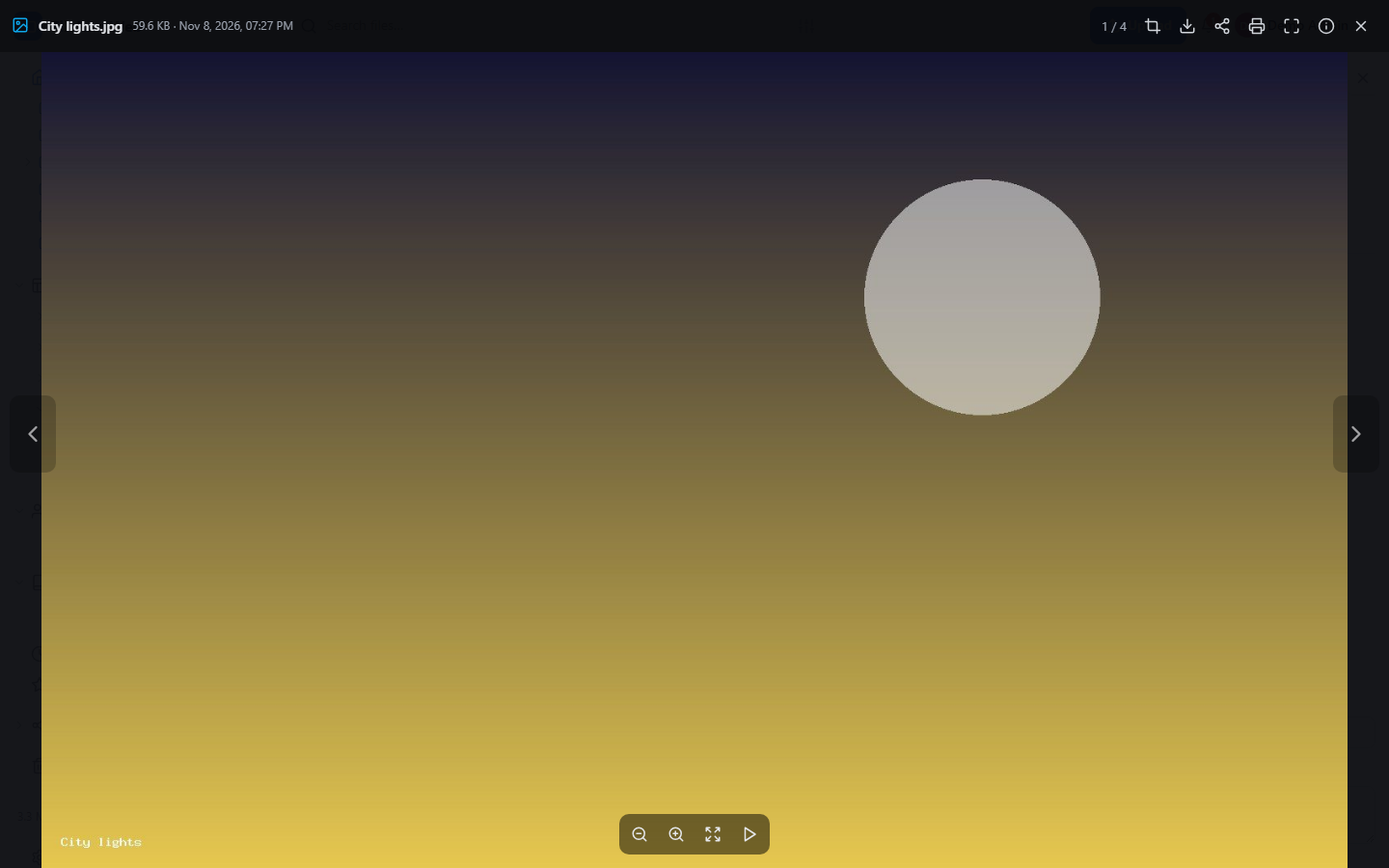
Viewer
The viewer
Share dialog
Sharing with people and groups
Link dialog
Public links with every option
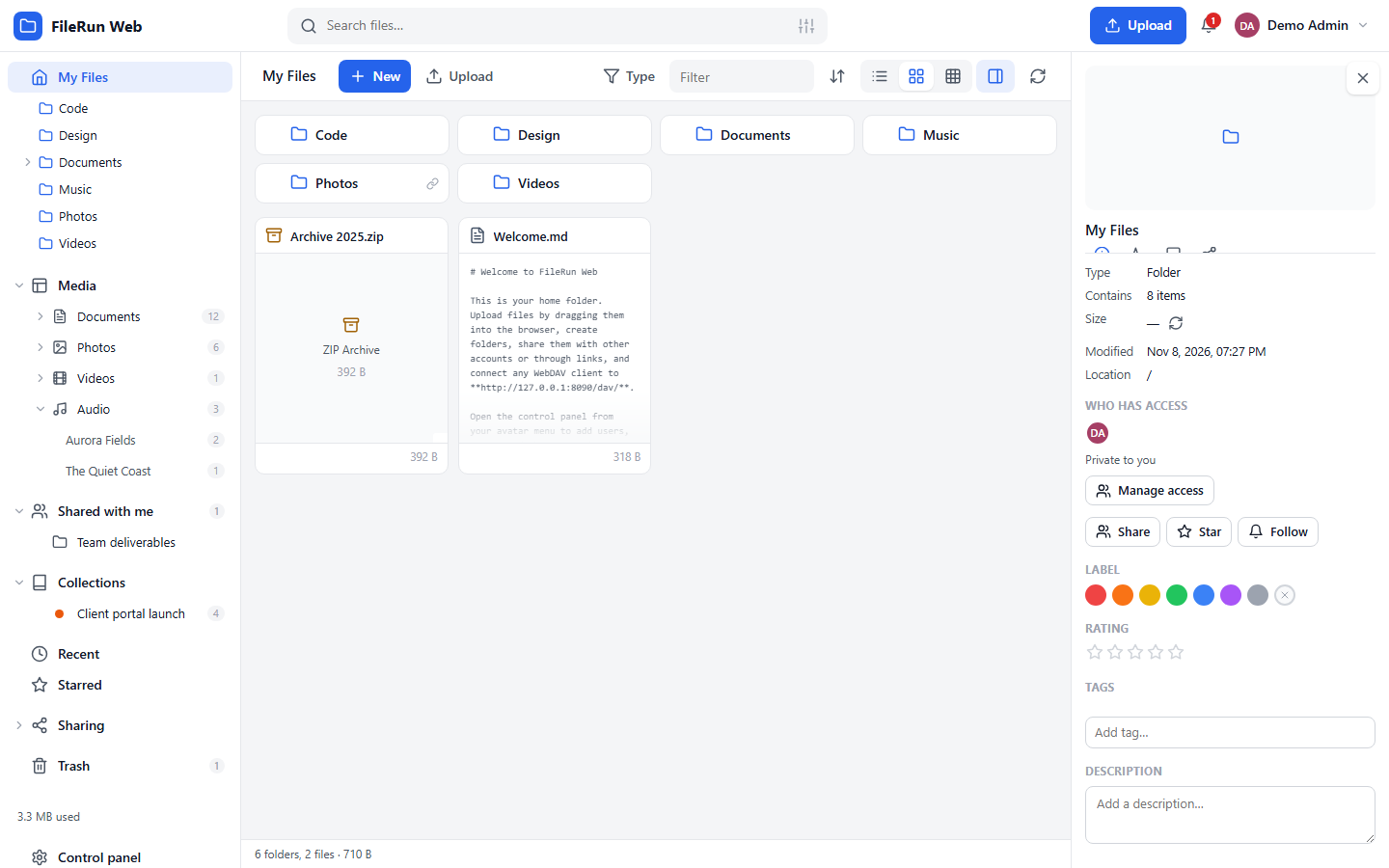
Details panel
Details, metadata, comments, versions
Security settings
Two-step verification and passkeys
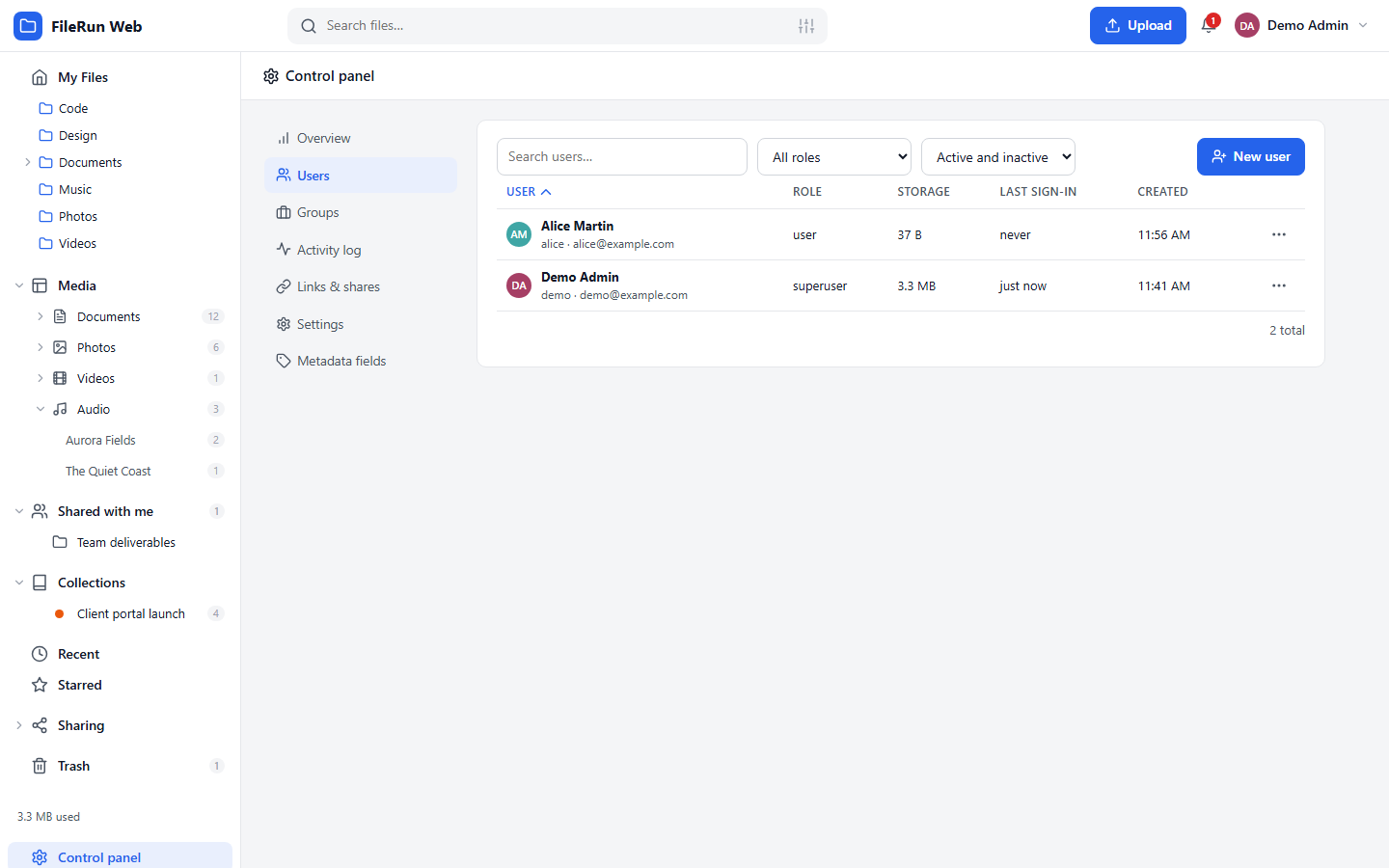
User management
Control panel: users
Activity log
The audit trail
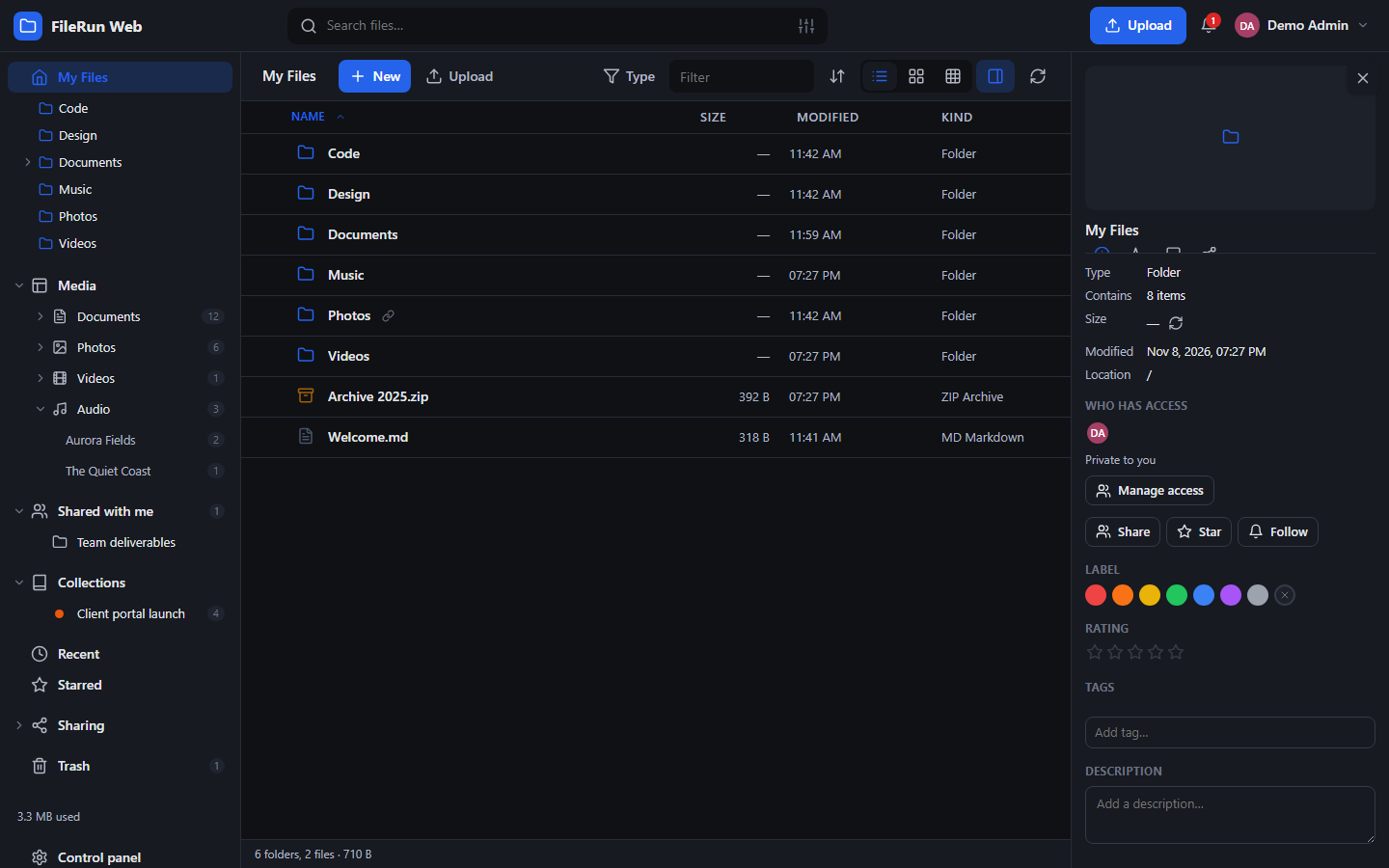
Dark mode
Dark theme

Install

  1. Upload the repository to your web server (document root or a sub folder) and create a MySQL database.
  2. Open the site: the installer asks for the database, a data folder outside the web root and the first administrator.
  3. Add the cron job it prints, open Control panel → Settings to configure e-mail, and invite your users.
git clone https://github.com/gextam/filerun-web.git
php bin/install.php --db-name=filerun --db-user=filerun --db-pass=secret \
  --admin-user=admin --admin-pass='Str0ngPass!' --data-dir=/var/filerun-data \
  --public-url=https://files.example.com